
// Backup & data
Backup, Server & Data Recovery
Backups that actually restore, servers and NAS devices set up properly, and help getting data back when something goes wrong.
// Overview
The Backup You Find Out About Before You Need It
Most businesses find out whether their backup works on the worst day of the year. The external drive that was supposed to run every night stopped in the spring. The cloud sync deleted the files on the server when someone deleted them on a laptop. The server in the closet is ten years old and nobody remembers the password.
We set up backups that cover what you actually have: computers, servers and NAS devices, and Microsoft 365 or Google Workspace. There’s a fast local copy for quick restores and an encrypted off-site copy for when the office itself is the problem, and then we test a restore so you know it works.
We also set up and look after file servers and NAS devices, move data from old servers to new ones or to the cloud, and help recover data from failed drives and deleted folders.
Call 604-359-5284 if you’re not sure your backup works. We’ll check it.
// Jobs we do
What We Set Up
Computer & server backups
Automatic image and file backups with alerts when a job fails, so a silent failure can’t go unnoticed.
NAS devices
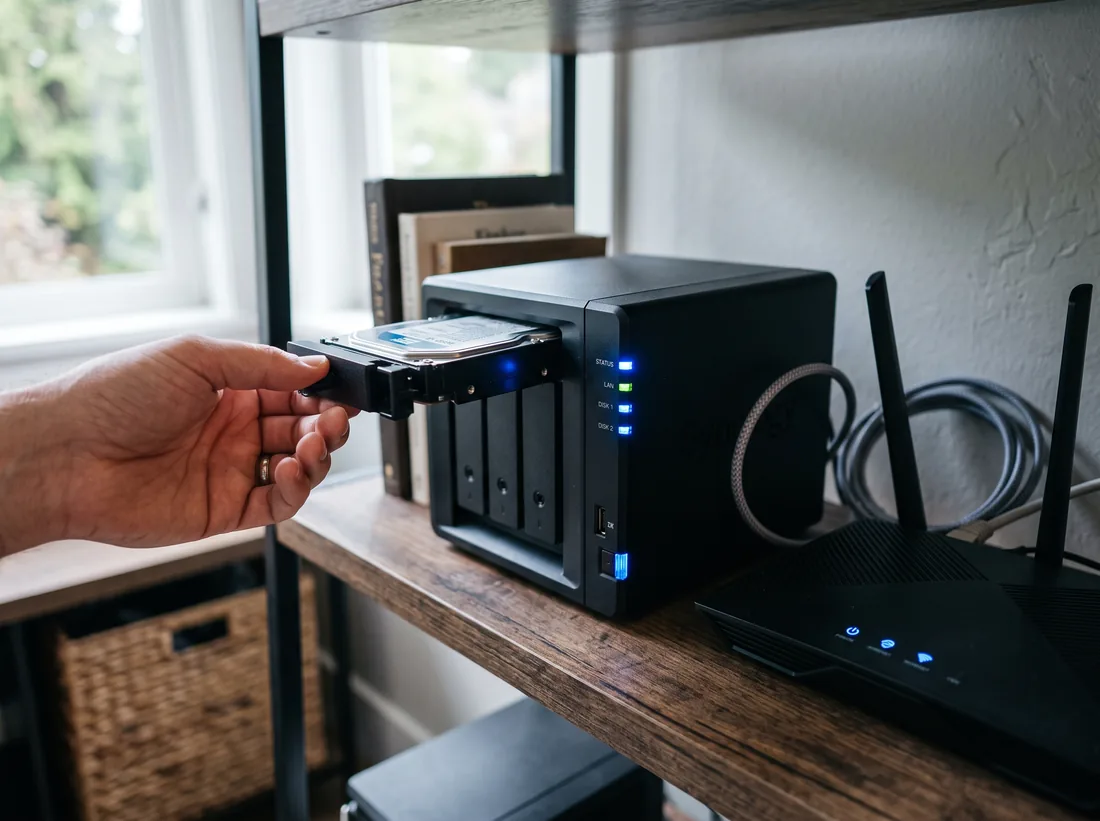
Network storage for shared files and backups, with snapshots that roll back accidental deletions and ransomware.
Off-site & cloud copies
An encrypted copy outside the building, with Canadian storage options where data residency matters.
Microsoft 365 backup
Mailboxes, OneDrive, SharePoint and Teams backed up beyond Microsoft’s own retention.
Server migrations
Old servers retired, files and permissions moved to a new server, a NAS or SharePoint.
Data recovery
Deleted folders, corrupted files and failing drives. We recover what can be recovered and tell you honestly when it can’t.
// Backup options
Which Backup Protects You From What?
No single backup covers every risk. Most small offices need two or three of these.
| Option | Protects against | Restore speed | Watch out for |
|---|---|---|---|
| NAS with snapshots | Accidental deletes, ransomware on a PC, overwritten files | Minutes | Sits in the same building as everything else |
| Off-site cloud backup | Fire, theft, flood, a ransomware attack on the whole network | Hours for large restores | Needs a decent upload speed |
| Microsoft 365 backup | Deleted mailboxes, purged items, a compromised account | Minutes per item | Microsoft’s own retention isn’t a backup |
| Full computer image | A dead drive or a computer that won’t start | An hour or two to a new machine | Large; best for key computers and servers |
Restore-Test Checklist
- Monthly: restore a handful of files and one mailbox item.
- Quarterly: confirm every backup job ran and alerts reach someone.
- Twice a year: restore a full computer or server to spare hardware.
- After any change: new server, new software or a move means a new test.
// Symptoms
Situations We Get Called Into
- “We deleted a folder by mistake.”
- With snapshots or versioning, it’s back in minutes. Without them, we try recovery and set up snapshots afterwards.
- “The server is making a clicking noise.”
- Switch it off and call. A failing drive gets worse the longer it runs.
- “We think the backup stopped months ago.”
- We check what’s actually being backed up, fix the jobs and set up failure alerts.
- “We want to get rid of the server.”
- We plan a move to SharePoint, a NAS or a newer server, depending on how you work.
- “Files have strange extensions and won’t open.”
- Possible ransomware. Disconnect the computer from the network, don’t pay anything, and call us straight away.
// Pricing
What It Typically Costs
| Item | Typical Surrey range | Notes |
|---|---|---|
| NAS / backup setup | $800–$2,000 | per office, hardware extra |
| Small-office NAS with drives | $1,000–$3,000 | hardware |
| Restore test or recovery | $125–$185 / hr | quoted first |
Typical Surrey ranges, CAD before tax. Onsite and install work is quoted before it starts. How pricing works
// How a job runs
How a Job Runs
Every job, big or small, follows the same four steps.
- T+0
Call or book
Tell us what’s wrong or what you need set up. Phone, the form, or email.
- T+1h
Triage
A technician looks at it, asks the right questions and connects remotely if that’s the fastest fix.
- T+1d
Fix or visit
Most problems are fixed remotely. If it needs hands, we book a visit and confirm the price first.
- Close
Written summary
What was wrong, what we did, and anything to watch. Kept on file for next time.
// FAQ
Backup & Servers Questions
How much does a NAS backup setup cost?
Typically $800–$2,000 per office to set up the device, backup jobs and an off-site copy, plus the hardware. A small-office NAS with drives usually runs $1,000–$3,000.
Isn’t OneDrive or Dropbox a backup?
Not on its own. Sync tools copy deletions and encrypted files as faithfully as good ones. They’re useful, but a backup keeps separate versions you can go back to.
How often should we test restores?
At least every few months for files, and once or twice a year for a full computer or server. We can do it for you and send a short report.
Can you recover data from a dead drive?
Often, if the drive has a logical fault. Physically damaged drives need a specialist clean-room lab; we’ll tell you which it is and arrange it if needed.
Areas We Serve
Backup, Server & Data Recovery for businesses across Surrey and nearby cities.
Other Services
- IT Support & TroubleshootingRemote fixes same business day, onsite when it needs hands.
- Network, Cabling & Wi-Fi InstallationCabling, switches, firewalls and Wi-Fi that reaches every corner.
- Computer, Laptop & Printer SetupNew computers and printers set up, secured and ready on day one.
- Microsoft 365 & Business Email SetupBusiness email, Teams and SharePoint set up or moved without losing mail.
- Business Phone System (VoIP) InstallationVoIP desk phones, softphones and keeping your existing numbers.
// Ready when you are
Tell us what’s broken, or what needs setting up.
Remote help the same business day, onsite across Surrey, and a price before any work starts. No contract needed.